AI for bexio: Ask Your Receipts Questions with Gemini — No Extra Software
bexio gets AI for bookkeeping — but your documents stay silent. How to bring Google Gemini to your bexio documents: quintio mirrors them into your Google Drive, Gemini answers questions about them. No new software, in every bexio plan.
By Roman Brüngger — Fiduciary with a Swiss federal diploma · Founder rombro ag
As of: July 2026 · This article is not legal advice.
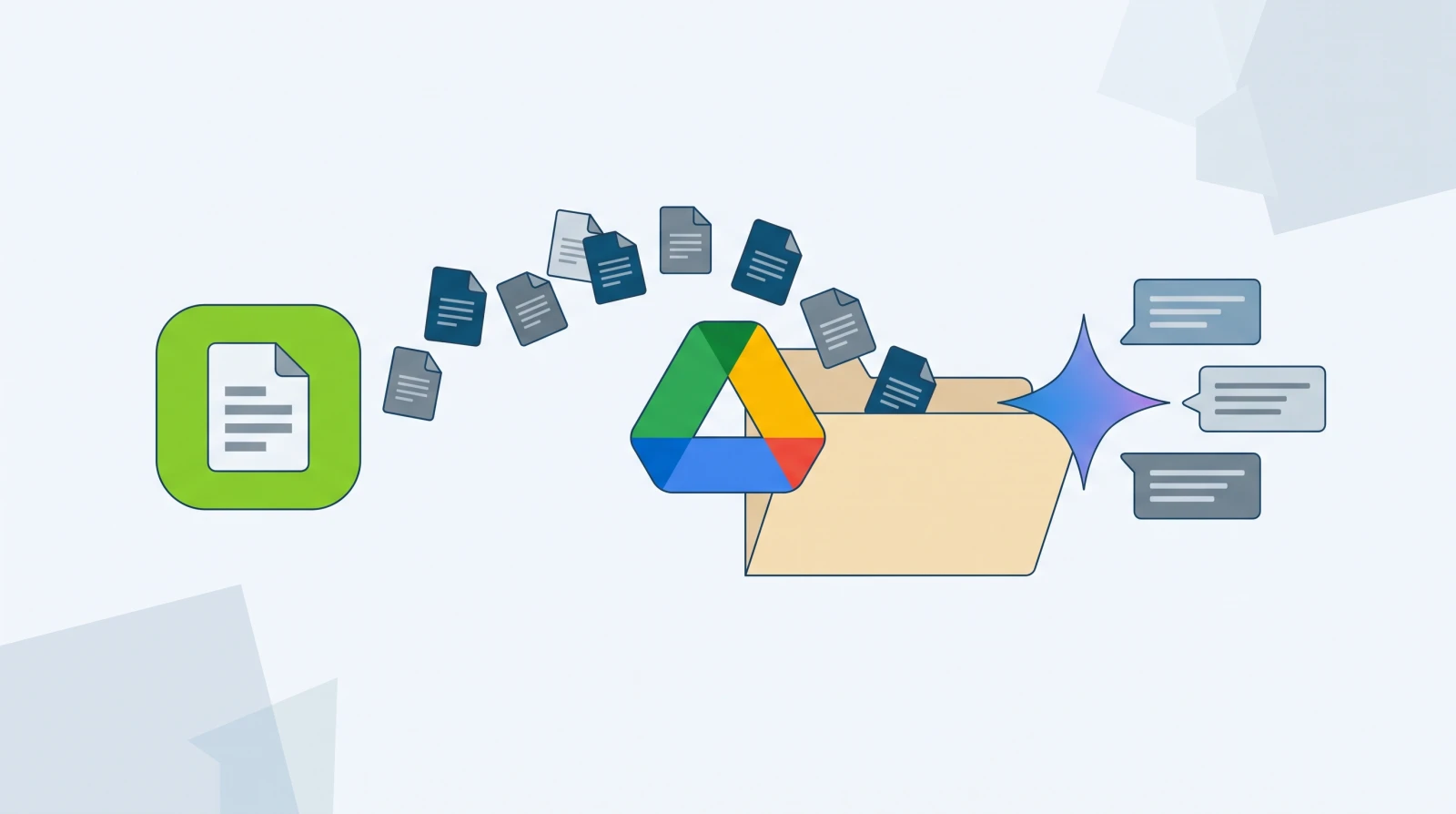
How do you use AI with bexio? bexio itself applies AI mainly to bookkeeping: Scan2Go reads receipts as you capture them, and since the Kontera acquisition an AI agent is working towards fully automatic posting of invoices. What gets left out are your documents themselves: you cannot ask your collected receipts, contracts and invoices anything inside bexio. Exactly that works outside — with tools you probably already have: quintio mirrors all bexio documents into your own Google Drive, and there Google Gemini answers questions about them — “What were my expenses in March?”, “Summarise this contract”, “Find the invoice with the faulty delivery”. No new software, no manual data export, in every bexio plan.
What bexio’s AI does today — and what it does not
The honest inventory first. bexio is visibly investing in AI:
- Scan2Go reads receipts automatically as you capture them — even without a QR code (bexio advertorial, November 2023).
- With the acquisition of the AI platform Kontera (October 2025), an AI agent for fully automatic posting of invoices and receipts is in the works (it-markt.ch, February 2026).
- The marketplace adds specialists: SPESEN.AI (expenses), meinGPT and trifox (workflow automation via API).
All of that is capture-and-posting AI: it helps get receipts into the bookkeeping. What none of these tools offers is the opposite — getting answers out of your documents. Your 2’000 archived PDFs remain exactly that in bexio: 2’000 silent PDFs, findable at best via search.
The gap: your receipts cannot answer questions
Typical questions from a fiduciary’s day that any document filing fails at:
- “Which subscription contracts expire this year — and what do they cost in total?”
- “Show me all expense receipts from the trade fair in March and add them up.”
- “What was the warranty clause in the contract with supplier X again?”
- “Compare the 2024 and 2025 electricity bills — where does the increase come from?”
In bexio you answer each of them the same way: search, open, read, note down, next PDF. A language model answers them in seconds — if it is allowed to read your documents. For that they need to sit in a place the AI can reach: not in bexio, but in your own filing system.
Bringing Gemini to your bexio receipts — in three steps

Step 1 — mirror the receipts into your own Google Drive. quintio connects to bexio and continuously mirrors all documents — including the inbox — into a folder of your Google Drive, organised by year and document type (how the connection works). Set up once, then it runs in the background.
Step 2 — Google makes the receipts readable. Drive automatically applies text recognition to PDFs and scans — your receipts become full-text searchable without you configuring anything.
Step 3 — ask Gemini. In Gemini you pick your Drive files or the receipts folder as a source and ask questions in plain language — from expense totals to contract summaries. Gemini quotes from your own documents instead of the internet.
The point: quintio itself is not an AI — it is the mirror that puts your documents where Google’s tools can reach them. The AI comes from Google, the documents belong to you, and both work regardless of your bexio plan — even without the document archive.
The honest part: read the privacy terms first
Before sending business receipts through a language model, two things belong clarified:
- The account type decides. With free personal accounts, Google may review conversations to improve its models (controllable via the activity settings); Google Workspace accounts come with contractual privacy commitments for business data. For business receipts, a Workspace account is the cleaner route — check the current terms before your first prompt.
- AI answers are not bookkeeping. Gemini summarises and calculates — posting happens in bexio, checking is done by you. For figures that flow into financial statements: open the receipt, verify the number.
Naming these limits is part of the truth — as is the advantage: your receipts stay in your own account, not with yet another AI startup with its own subscription and its own data storage.
Which tool for what? The overview

| Task | Tool | Cost |
|---|---|---|
| Read a receipt as you capture it | bexio Scan2Go (built in) | in the bexio subscription |
| Post invoices automatically | bexio/Kontera AI agent (rolling out), SPESEN.AI et al. | per plan/app |
| Operate bexio via chat (create customers etc.) | trifox, meinGPT (API tools) | separate subscription |
| Ask questions about your own receipts, summarise, compare | Gemini on your own Drive mirror (via quintio) | quintio subscription; Gemini base features at no extra cost in the Google account |
The approaches do not compete — they complement each other. Posting AI saves time at capture; document AI on your mirror saves time on everything that comes after: finding, understanding, comparing, proving. And the mirror itself stays what it always is — your cancellation-proof second copy outside of bexio.
Frequently asked questions
Does bexio have artificial intelligence?
Yes, focused on capture and posting: Scan2Go reads receipts as you capture them, and after the Kontera acquisition (October 2025) bexio is working on an AI agent for fully automatic posting. An AI that answers questions about your stored documents is not something bexio offers.
Can I ask ChatGPT or Gemini questions about my bexio receipts?
Not directly in bexio. The route goes via your own filing system: quintio mirrors the receipts into your Google Drive, where Gemini can use files and folders as a source and answer questions about them. With ChatGPT you would have to upload files individually — the Drive route does not exist there.
What does AI on your own receipts cost?
Gemini’s base features are included in the Google account at no extra cost (advanced models depend on your Google subscription); quintio costs a subscription per client, the preview is free. Compared with specialised AI bookkeeping tools with their own monthly subscription, this is the cheapest entry — and the receipts stay in your account.
Is it safe to send business receipts through an AI?
The receipts stay in your own Google account; no additional provider is involved. What matters is the account type: Workspace accounts carry contractual privacy commitments for business data, free personal accounts not to the same extent. Check the current Google terms and prefer a Workspace account for business receipts.
The first step towards AI on your receipts is not an AI — it is the mirror: quintio puts all bexio documents — including the inbox — continuously into your own Google Drive, organised and searchable. The preview is free, no credit card; if you cancel, the folder stays yours.
Sources
- it-markt.ch, 11 Feb 2026 — “How AI changes everyday business, according to bexio” — Kontera AI agent, fully automatic posting
- Kellerhals Carrard deal ticker, 31 Oct 2025 — bexio integrates AI platform Kontera
- Blick advertorial, 6 Nov 2023 — Scan2Go receipt reading
- SPESEN.AI in the bexio marketplace
- Google Gemini: help on Drive/Workspace connection and data use — (exact terms re-checked at the next freshness pass)
quintio automatically mirrors your bexio documents into your own Google Drive.
Sign up free