Digitizing Receipts in Switzerland: the Complete Guide
Scanning, making searchable, organising, backing up: the complete guide to how a Swiss SME digitizes its receipts in a GeBüV-compliant way.
By Roman Brüngger — Fiduciary with a Swiss federal diploma · Founder rombro ag
As of: August 2026 · This article is not legal advice.
The short answer: Digitizing receipts means capturing every receipt as a PDF, making it searchable with text recognition, filing it in an orderly place and securing a second copy. Four steps: capture, make searchable, organise, back up. Purely digital retention is expressly permitted in Switzerland — the GeBüV (the Swiss ordinance on the keeping and preservation of business records) allows it in Art. 9, and paper may then be disposed of in most cases. The most common mistake is not the scanning itself but what is missing afterwards: the searchable order and the second copy outside the one system. If you run your bookkeeping in bexio, you get both without manual work — quintio.ch mirrors all receipts continuously and searchably into your own Google Drive. This guide shows the whole route, step by step, under Swiss law.

What does «digitizing receipts» mean?
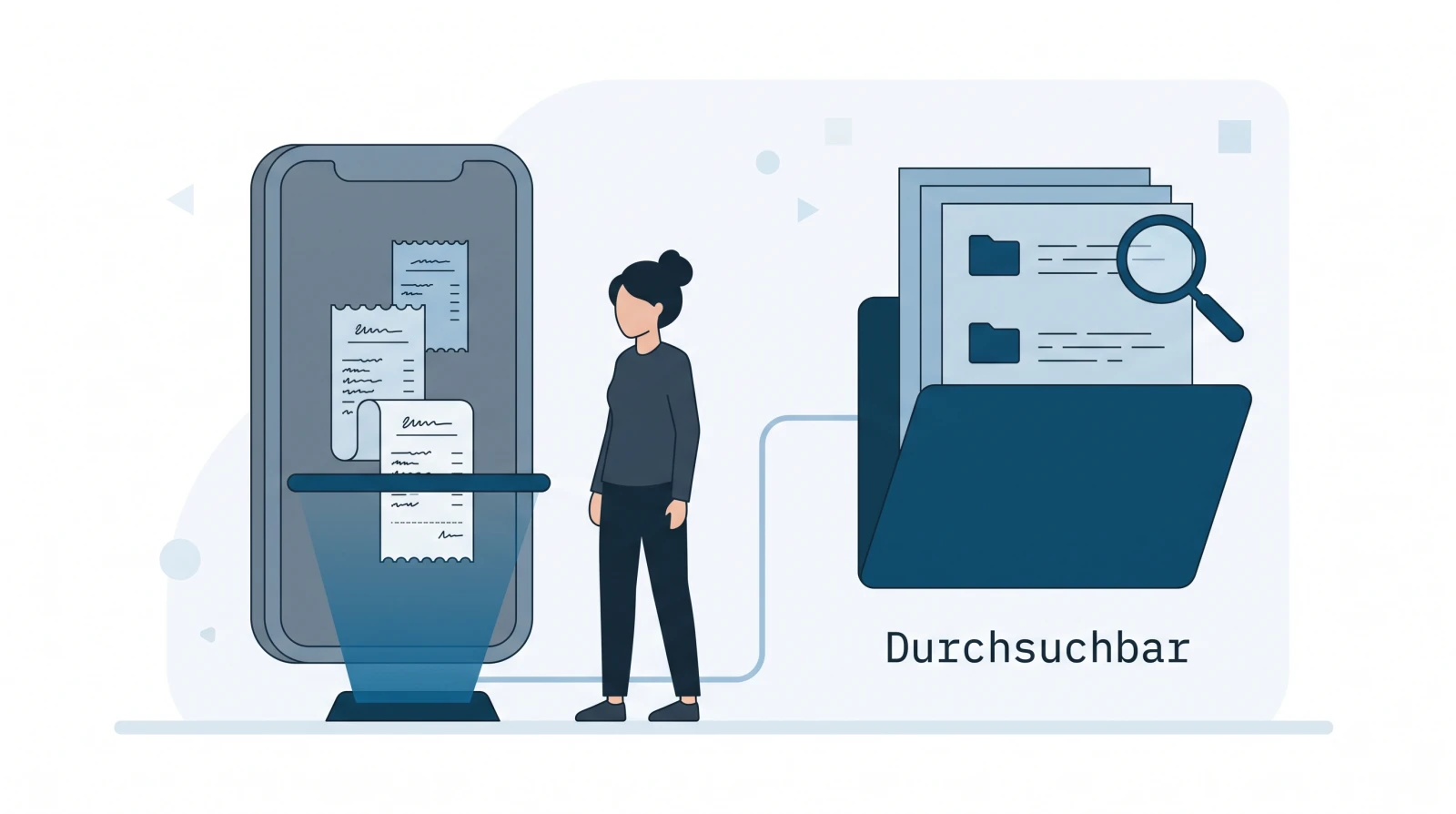
Digitizing is more than scanning. A photo of a till slip is not yet a digitized receipt — it is an image that nobody searches and that sits in no order at all. A receipt only counts as properly digitized when four things are right:
- Captured — as a PDF or an image, legible and complete (with amount, date, sender).
- Searchable — text recognition (OCR) has read out the content, so that you can later find the receipt by a word or an amount.
- Organised — filed in one unambiguous place, so that it can be assigned to a booking and to a financial year.
- Secured — in more than one place, so that a defect or a change of provider does not take the receipt with it.
The first two steps solve the daily work — the receipt is captured and findable. The last two solve the obligation: a receipt has to stay available and traceable for ten years. This is exactly where «scanned» parts ways with «properly digitized».
Is digitizing worth it for an SME?
In short: yes — and for three sober reasons, not because of «digital transformation». First, a digital receipt is searchable: you type «Brack» or «847.30» and you have it, instead of leafing through a ring binder. Second, it is loss-proof: thermal receipts fade to illegibility within a year or two, water damage hits the only paper copy — a file sits in as many places as you like, as many times as you like. Third, it saves space and time: no wall of binders, no searching, no asking the supplier for a duplicate.

One note for your research: many well-known digitizing guides and programs come from Germany — sevDesk or Scopevisio, for instance — and follow the German GoBD. For a Swiss SME, however, the Code of Obligations and the GeBüV apply. The differences are small but real: in Switzerland, for example, only the management report and the audit report have to be available signed, everything else may be archived purely digitally. So check every set of instructions for whether it means Swiss law — otherwise you digitize by the wrong rules.
What should I scan receipts with — an app or a scanner?
There are three routes, and none of them is «the best» — it depends on the volume.
- Scan app on your phone (Google Drive, Adobe Scan, the camera apps on iOS and Android): ideal for individual receipts and for when you are out and about. The field rep photographs the fuel receipt right there, the app crops it, de-skews it and files a PDF. For most micro-enterprises that is entirely enough.
- Multifunction printer in the office: practical for the occasional stack of mail. Watch out for «scan to PDF» instead of individual images, and for the device doing the text recognition right away.
- Dedicated document scanner (sheet-fed scanner, from around CHF 100): worth it as soon as large stacks come in regularly — it pulls in dozens of pages in one go and produces a searchable PDF directly. That is the route for fiduciary offices and receipt-heavy operations.

The ground rule for all three: one receipt, one file. Not ten till slips in one collective PDF — otherwise the individual receipt cannot later be assigned cleanly to a booking.
Which format should I save receipts in?
PDF is the standard, and for everyday use it is entirely enough — provided it contains a text layer (more on that in a moment). A few rules keep the filing legible in the long run:
- PDF instead of loose image files. A JPG from your phone is a start, but a PDF bundles multi-page receipts and is the expected archive format.
- The original stays the original. A supplier invoice received as a PDF is already digital — you do not print it out in order to scan it back in.
- PDF/A is the icing, not the obligation. PDF/A (ISO 19005) is the standardised format for long-term archiving: fonts are embedded, there are no external dependencies. Nice for a clean archive — but the GeBüV does not require it. More important than the file format is that the receipt stays unchanged and searchable.
How do I make scanned receipts searchable?
A scan is initially an image of text — the search comes up empty until text recognition (OCR) lays an invisible text layer over the image. For individual files a free tool does the job (locally the PDF24 Creator, for instance, or in Acrobat the «Scan & OCR» menu item); anyone who searches regularly is better off moving the filing to a place where every upload is indexed in full text automatically.
Both routes, the tools in detail and the important data-protection note are in the dedicated guide: Make a PDF searchable: text recognition for one file — or for your whole archive. The one sentence you should take away: business receipts with customer or payroll data do not belong in arbitrary free online converters. An invoice carries personal data within the meaning of the Data Protection Act (FADP, in force since 1 September 2023) — convert such receipts locally or in your own cloud environment, not on third-party servers of unknown location.
Is digital retention permitted in Switzerland?
Yes. The GeBüV (the ordinance on the keeping and preservation of business records, SR 221.431) expressly permits electronic retention, as long as the integrity, traceability and availability of the receipts are guaranteed. Paper may then go in almost all cases — the only practically relevant exception being the management report and the audit report, which have to be available signed. The retention period is ten years from the end of the financial year (Art. 958f CO).
For a specific document, the retention period calculator shows when the period ends for a given financial year.
What «integrity and availability» mean in concrete terms, which two paths Art. 9 GeBüV allows and what the often forgotten process documentation (Art. 4) looks like is explained in the pillar article on the subject: GeBüV explained simply. One misunderstanding we can clear up right here: there is no state GeBüV certification. No product is «officially GeBüV-certified» — compliance always remains the responsibility of the company, regardless of the software.
How do I file digitized receipts?
Not by topic, but chronologically: receipt type → year → month, with file
names following the pattern YYYY-MM-DD_supplier_amount. That way every year
can be closed off as a unit — fitting the ten-year period — and every receipt
has exactly one right place, even when several people are filing. The complete,
copyable template including the naming rules is here:
A folder structure for bookkeeping.
And the most important rule that goes with it: folders are there for filing. Finding happens today via full-text search — the structure does not have to replace the search, it only has to make sure that nothing gets lost when filing and that a year is complete at closing time.
Digitized does not yet mean secured: the second copy
The last step is the one most often skipped. A receipt that sits in only one system — be it the accounting software or a single computer — is digitized but not secured. If the system fails or the contract ends, the receipt is gone. bexio, for example, deletes data one month after cancellation (T&C clause 5.7), and bexio itself recommends «keeping the receipts additionally outside of bexio» (help article 000001647).
The clean solution is an automatic second copy in storage that belongs to you — your own Google Drive, for example. Google Drive meets the technical requirements for storing digital receipts in an audit-proof manner compliant with the CO, the GeBüV and tax law. Important here: audit-proof storage is not a product feature — it arises from the system plus orderly use. The process documentation (Art. 4) and the annual legibility check (Art. 10) remain your job; the obligation itself remains with the company (Art. 957a CO).
For receipts that sit in bexio, quintio.ch takes over exactly this second copy: the service mirrors all bexio documents — inbox and invoices, retroactively and continuously — into your own Google Drive, neatly filed by year and month and searchable in full text thanks to Google OCR. Your leading system stays bexio; quintio is the searchable mirror next to it, the one that stays with you even after a change of provider. You capture receipts as before, and the secured, searchable filing comes about by itself.
Frequently asked questions (FAQ)
How do I digitize my receipts properly? In four steps: capture (scan or photograph, as a PDF), make searchable (OCR text layer), organise (receipt type → year → month) and back up (second copy in storage of your own). Only when all four are right is a receipt properly digitized and usable for ten years.
May I dispose of paper receipts after scanning them? In the vast majority of cases yes — the GeBüV allows purely digital retention. The exception is signed documents such as the management report and the audit report. The details with the legal basis: GeBüV explained simply.
What is the best thing to scan receipts with? For individual receipts and on the road, a scan app on your phone; for occasional stacks, the multifunction printer; for large volumes, a sheet-fed scanner that produces searchable PDFs directly. Ground rule: one receipt, one file.
Which format should I save receipts in? PDF with a text layer is enough for everyday use. PDF/A (ISO 19005) is the format for long-term archiving — nice, but not required by the GeBüV. More important than the format is that the receipt stays unchanged and searchable.
Is it safe to upload receipts to free online tools? Receipts contain personal data (FADP). With free converters without a contract, a known server location and a deletion commitment, this is inadvisable — convert locally or in your own cloud. More on this: Make a PDF searchable.
Do I have to digitize my receipts individually if they are already in bexio? No. A mirror service such as quintio files all bexio receipts into your own Google Drive automatically — retroactively for the entire history and continuously for everything new, searchable and without manual work.
quintio.ch mirrors all documents from bexio continuously into your own Google Drive — searchable thanks to Google OCR, organised by year, as your own second copy. Try it for free → Sign up, connect bexio — the first documents sync free of charge. No credit card needed.
Sources
- GeBüV — Ordinance on the Keeping and Preservation of Business Records (SR 221.431, Fedlex) — Art. 9 (permitted information carriers), Art. 4 (documentation), Art. 5/6/10 (due care, availability, verification)
- Art. 957a / 958f CO (SR 220, Fedlex) — accounting obligation and ten-year retention from the end of the financial year
- Federal Act on Data Protection (revised FADP, SR 235.1, Fedlex) — in force since 1 September 2023
- SECO SME portal: Electronic retention of business books — the cloud as a modifiable data carrier with stricter requirements
- bexio help article 000001647 — recommendation to keep receipts additionally outside of bexio (as of August 2026)
quintio automatically mirrors your bexio documents into your own Google Drive.
Sign up free