The 8-Second Receipt: Client Reconciliation with Drive Full-Text Search
At the end of the quarter the auditor asks for one receipt — with a Drive mirror you find it in seconds across all bexio clients, by full-text search instead of a login per client.
By Roman Brüngger — Fiduciary with a Swiss federal diploma · Founder rombro ag
As of: August 2026 · This article is not legal advice.
The short answer: a trustee finds a specific receipt across all their bexio clients in seconds, as soon as every client is mirrored continuously into a single Google Drive. Instead of logging into the right client and scrolling through the inbox, they type a supplier name or an amount into the search of their own Drive — Google’s text recognition reads the content of every scanned receipt and searches all client folders at once. The hit shows the receipt together with its client, without a login to the client’s bexio and without an e-mail to the customer. The «eight seconds» are an illustrative order of magnitude for the search experience, not a measured figure — the point is: one search instead of thirty.
How does a trustee find a specific receipt in seconds?
Picture the moment: end of quarter, the auditors are sitting at the table and
asking about a single payment — CHF 2’480.– to a supplier, booked nine months
ago, by whoever. You have thirty clients. The classic route starts now: guess
the right client, log in, switch to the inbox and scroll there through hundreds
of files with names like bexio scan 07.04.2026 09:11:15. Because the inbox
search practically only reaches file names — and scans are rarely named after
their content
(why searching in bexio so often fails).
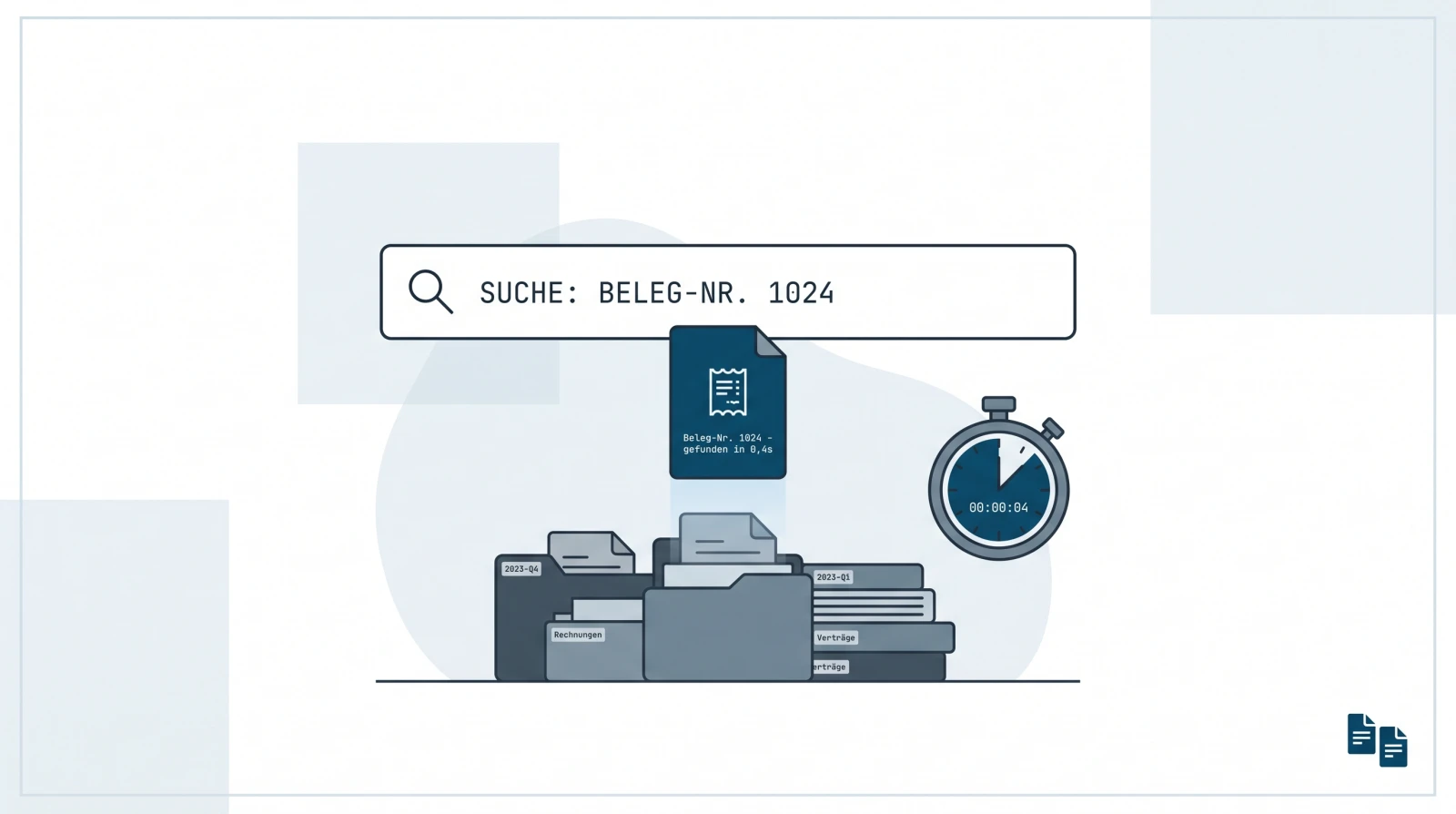
With a Drive mirror the same moment looks different. You type «2480» or the supplier name into the search of your Google Drive — where every client sits as its own folder. The receipt appears, together with the client it comes from. No bexio login, no call back to the customer. The question is answered before the laptop would even have opened the right client.

Why does the search work across all clients?
Three things mesh — and none of them is a bexio feature:
One Drive instead of thirty logins. You connect each client once to your quintio account, via the trustee access you have anyway. quintio creates a dedicated folder for it in your Google Drive and keeps it continuously up to date. The client sets nothing up and shares nothing — their bexio account stays unchanged. So in the end all clients sit in a single filing system that one search runs across at once (step by step in the guide).
Google reads the content, not the file name. Google Drive indexes uploaded documents automatically — officially documented: «Drive automatically indexes documents for search when it recognizes the file type, including text documents, PDFs, images with text, and other common types» (developers.google.com). That is why «2480» finds the payment and the supplier name finds the receipt — no matter how cryptic the file is named.
No bexio login for the search. Because the mirror sits in your own Drive, you search there, not in thirty other people’s bexio accounts. If the auditors or the customer are to look at a particular folder themselves, a Drive share is enough — for that, too, nobody needs a bexio login. That matches the recommendation bexio itself gives: «We generally recommend keeping the receipts additionally outside of bexio» (bexio help 000001647).

How does a client reconciliation with full-text search work?
The difference does not show in the calm everyday, but in the reconciliation, when questions come faster than you can open clients. An open item, a payment without an assigned receipt, a query from the auditors about an expense from three quarters ago — with a Drive mirror each of these questions is a search query instead of a client-guessing game. Type in supplier or amount, look at the hit, move on. You stay in the conversation instead of clicking through inboxes or interrupting the customer with a «Can you send me the receipt for …» e-mail.
For you as an office that means one filing system instead of one per client — and the receipt hunt is gone. How to set up the receipt flow with your clients in principle, so that nothing goes back and forth by e-mail any more, is in the trustee overview; the cross-client search itself is described in detail here.
Where the 8-second receipt does not help
Honest limits are part of the picture:
- No bexio, no mirror. If a client does not keep their books in bexio, there is nothing to mirror — then this route does not apply.
- The mirror does not book. It finds and shows receipts, it is not a bookkeeping tool. bexio remains the leading system for the bookkeeping; the mirror is the searchable working copy in your own Drive — not a replacement for an archive. How this filing relates to the CO, the GeBüV (the Swiss Business Records Ordinance) and tax law is assessed separately from a trustee’s perspective.
- Handwriting only partially. Google’s text recognition is remarkably robust with printed text, even on photos; handwritten notes are only partially recognized. For cash-register receipts and printed invoices the content search works reliably in practice.
- It stays your working copy. The mirror sits in your Drive, not in the client’s account — when a mandate changes hands, it stays with you, not with the client.
Frequently asked questions (FAQ)
How does a trustee find a specific receipt in seconds? By having every bexio client mirrored continuously into a single Google Drive. A Drive search on a supplier name or an amount then finds the receipt via text recognition across all client folders at once — the hit shows receipt and client, without a login to the client’s bexio.
Do I have to log into the client’s bexio to find a receipt? No. The mirror sits in your own Google Drive; the search runs there, across all client folders at once. If a customer or the auditors are to look at a folder themselves, a Drive share is enough — for that, too, nobody needs a bexio login.
Does the search also find handwritten or badly photographed receipts? With printed text, Google’s indexing is very robust, even on phone photos. Handwriting is only partially recognized. For printed invoices and cash-register receipts the content search is reliable in practice.
Does the Drive mirror replace bexio or the document archive? No. bexio remains the leading system for the bookkeeping; the mirror is the searchable working and backup copy in your own Google Drive (the audit-proof assessment).
Are the «8 seconds» a measured figure? No — it is an illustrative order of magnitude for the search experience, for how quickly a full-text search delivers a hit, not a benchmark. The real duration depends on the search term and the amount of data; the robust point is qualitative: one search instead of a login and scrolling per client.
quintio.ch mirrors all documents from bexio continuously into your own Google Drive — one folder per client, searchable via OCR, cleanly ordered by year and month. No share by the client needed. Try it free → Sign up, connect bexio — the first documents sync for free. No credit card needed.
Sources
- bexio help 000001647 — «We generally recommend keeping the receipts additionally outside of bexio.»
- bexio help 000001812 «Trustee access» — set up by the client
- Google Drive API: automatic full-text indexing — Google automatically indexes text, PDFs and images with text for search
quintio automatically mirrors your bexio documents into your own Google Drive.
Sign up free