Exporting the bexio Inbox: Manually and Automatically
How to export the bexio inbox: why files only download one by one, what a full export costs — and how a mirror backs up every receipt automatically.
By Roman Brüngger — Fiduciary with a Swiss federal diploma · Founder rombro ag
As of: July 2026 · This article is not legal advice.
The short answer: there are three ways to export the bexio inbox — and none of them is a “download everything” button. Manually, you download every file one by one via the three-dot menu; bexio’s help states that uploaded files “can only be downloaded individually” (help article 000001647). As a one-off, bexio support handles the complete export as a paid service (GTC clause 5.6 “compensation for expenses”, with no published price). Automatically, a service like quintio mirrors the entire history continuously into your own Google Drive — searchable thanks to Google’s OCR. Which route fits depends on whether you want to export once or stay backed up permanently.
Transparency up front: quintio is our own product — a mirror that copies your documents into your own Google Drive, not a bexio replacement. We still name the manual routes honestly, limits included.

How do I export the bexio inbox?
For part of your data, bexio’s built-in tools are perfectly usable: you export the journal and your contacts as an Excel file, and your sales documents as a batch “Multi-PDF”. With the inbox — the uploaded documents, receipts and supplier invoices — the convenience ends. You fetch each file individually via the three-dot menu, exactly as bexio’s help describes: “can only be downloaded individually” (help article 000001647).
For a single old receipt that’s no drama — the fastest way to find it is in “quickly find an old receipt in bexio”. For a complete archive spanning several years, though, the single download is exactly the manual labour nobody actually does. bexio itself recommends this precaution: “We generally recommend keeping the receipts outside of bexio as an additional copy” (same help article).
Can I download all bexio inbox receipts at once?
No — there is no self-service complete export for the inbox. The “download everything” button is missing, and that is precisely the gap. bexio support handles the complete export as a paid service. There is no published price for it — the GTC (clause 5.6) allow a “compensation for expenses”.
Important context, because a wrong number keeps circulating online: the CHF 450 is documented only for the complete export of the native document archive (official service description, as of 1 March 2026) — not for the raw inbox. And in both cases you get a one-time snapshot: everything new is unprotected again afterwards, and next time you pay again.
All eight backup and export routes — including the third-party archives RESTORE-IT, swiDOC and Triboni — are lined up side by side in the pillar bexio backup & export compared. This article stays with the inbox.
Export bexio receipts via Zapier or Make?
The obvious DIY route — and, honestly, half of one. Zapier offers several triggers in its bexio app, but none for files: passing on new sales invoices as PDFs works, reading the inbox does not, and nothing happens retroactively. Make goes further — it has real file modules (“Watch Files”, “Download a File”). That makes the automated export technically possible; only you build and maintain the folder structure, the error handling and the retroactive history entirely yourself. The DIY build is not a click, but a small software project that is supposed to run for years.
Which routes exist for connecting bexio and Google Drive — quintio, DIY and manual work — is compared in connecting bexio and Google Drive.
Which export route fits you?

At its core, the decision is simple. If you want out once, say when cancelling, the support export is the direct route — pay once, receive a ZIP, close the chapter. If you have development capacity and a special problem, you build something of your own with Make. But if you want your inbox backed up permanently, completely and searchably, without ever thinking about it again, the route leads through a continuously running mirror.
How do I back up bexio receipts automatically outside of bexio?
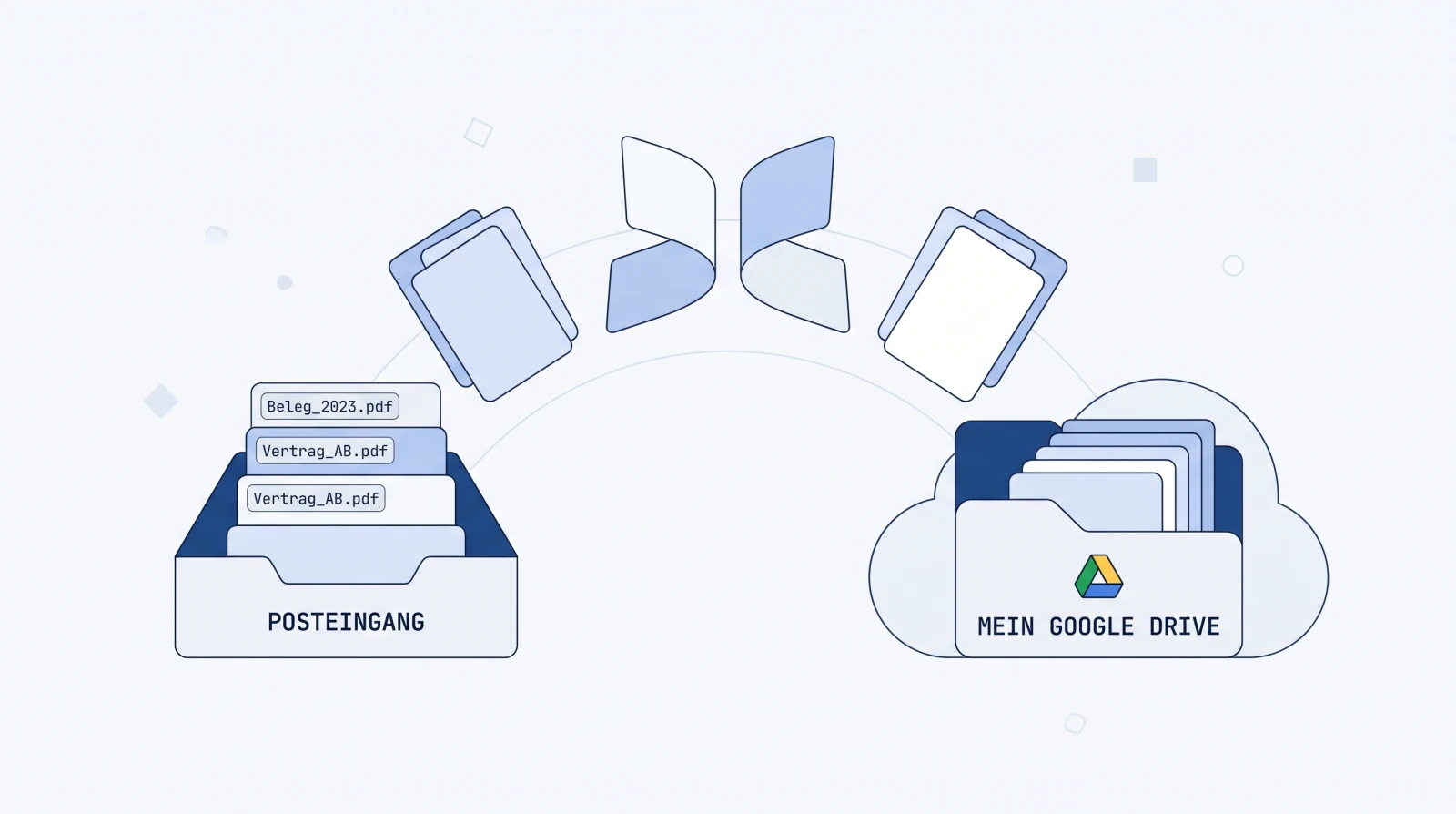
The automatic route turns the problem around: instead of you pulling files out, a service mirrors them out continuously. quintio connects to your bexio login, loads the complete history (newest receipts first; the first ones appear within a few minutes) and keeps the folder current from then on — inbox receipts and invoice PDFs land in your own Google Drive. They are searchable immediately: Google’s built-in OCR reads the scans too, you type “Bosch” or “847.30” and the receipt is there.
The difference is structural: the folder belongs to you. If you cancel quintio, every receipt stays in your Google account. If you cancel bexio, your archive is already out — instead of racing the deletion deadline. Because after the contract ends, GTC clause 5.7 leaves you one month, after which “all of the customer’s data” is deleted “irreversibly”; the ten-year retention duty, meanwhile, stays with you.
And audit-proof filing? Google Drive meets the technical requirements for keeping digital receipts in an audit-proof way, compliant with the CO, GeBüV and tax law. There is no state GeBüV certification, and audit-proof record keeping is not a product feature — it results from the system plus its orderly use. What that means for you is laid out by our fiduciary: audit-proof records from a fiduciary’s perspective.
quintio.ch mirrors all documents from bexio continuously into your own Google Drive — searchable, with OCR, effortlessly. Works with every bexio plan, inbox included. Try it free → Sign in with bexio, sync your first documents for free. No credit card required.
Frequently asked questions (FAQ)
Can I download the bexio inbox completely? Not as self-service — according to bexio’s help, uploaded files “can only be downloaded individually”. A complete export exists as a paid support service, or automated via a continuously running mirror into your own Google Drive.
What does exporting the bexio inbox cost? bexio names no published price for the inbox; the GTC (clause 5.6) allow support to charge a “compensation for expenses”. The often-quoted CHF 450 applies only to the complete export of the document archive (service description, as of 1 March 2026), not to the raw inbox.
How do I export my bexio invoices and contacts? The journal and contacts go out as an Excel file, your sales documents as individual PDFs or as a batch “Multi-PDF”. Only the inbox remains stuck with the single download.
Is Zapier or Make enough to export the inbox? Zapier has no file trigger — the inbox stays out of reach, and only new sales invoices are copied, with no history. Make has file modules that make it technically possible; but the folder structure, the backfill and the maintenance are yours to build.
What happens to the inbox if I cancel bexio? After the contract ends, the GTC (clause 5.7) let you request your data for one more month; after that, bexio deletes all customer data irreversibly. For the document archive, the deadline is 30 days. So get the receipts out beforehand.
Does a Google Drive mirror satisfy the retention obligation? Google Drive meets the technical requirements for keeping digital receipts in an audit-proof way, compliant with the CO, GeBüV and tax law; the organizational rest — orderly filing, an annual readability check — you handle yourself. There is no state GeBüV certification. Our fiduciary’s assessment: audit-proof records from a fiduciary’s perspective.
Sources
- bexio help 000001647 “Backing up data / exporting documents” — single download, recommendation to keep copies outside bexio
- Service description document archive (PDF, as of 1 March 2026) — CHF 450 complete export (archive, not inbox)
- bexio GTC (PDF, Nov. 2024) — clause 5.6 (compensation for expenses) / 5.7 (deletion after one month)
- Zapier bexio integrations · Make bexio modules
- Google Drive: automatic indexing
Note on independence: quintio.ch is the authors’ product. No affiliate relationships exist with any of the platforms mentioned; all prices and details come from the linked provider pages (as of July 2026).
quintio automatically mirrors your bexio documents into your own Google Drive.
Sign up free