Does an SME Need a DMS? Google Drive as Your Filing System
Does a small SME really need a document management system? Usually not. What a structured Google Drive covers, where the limit lies — and when a DMS does pay off after all.
By Roman Brüngger — Fiduciary with a Swiss federal diploma · Founder rombro ag
As of: August 2026 · This article is not legal advice.
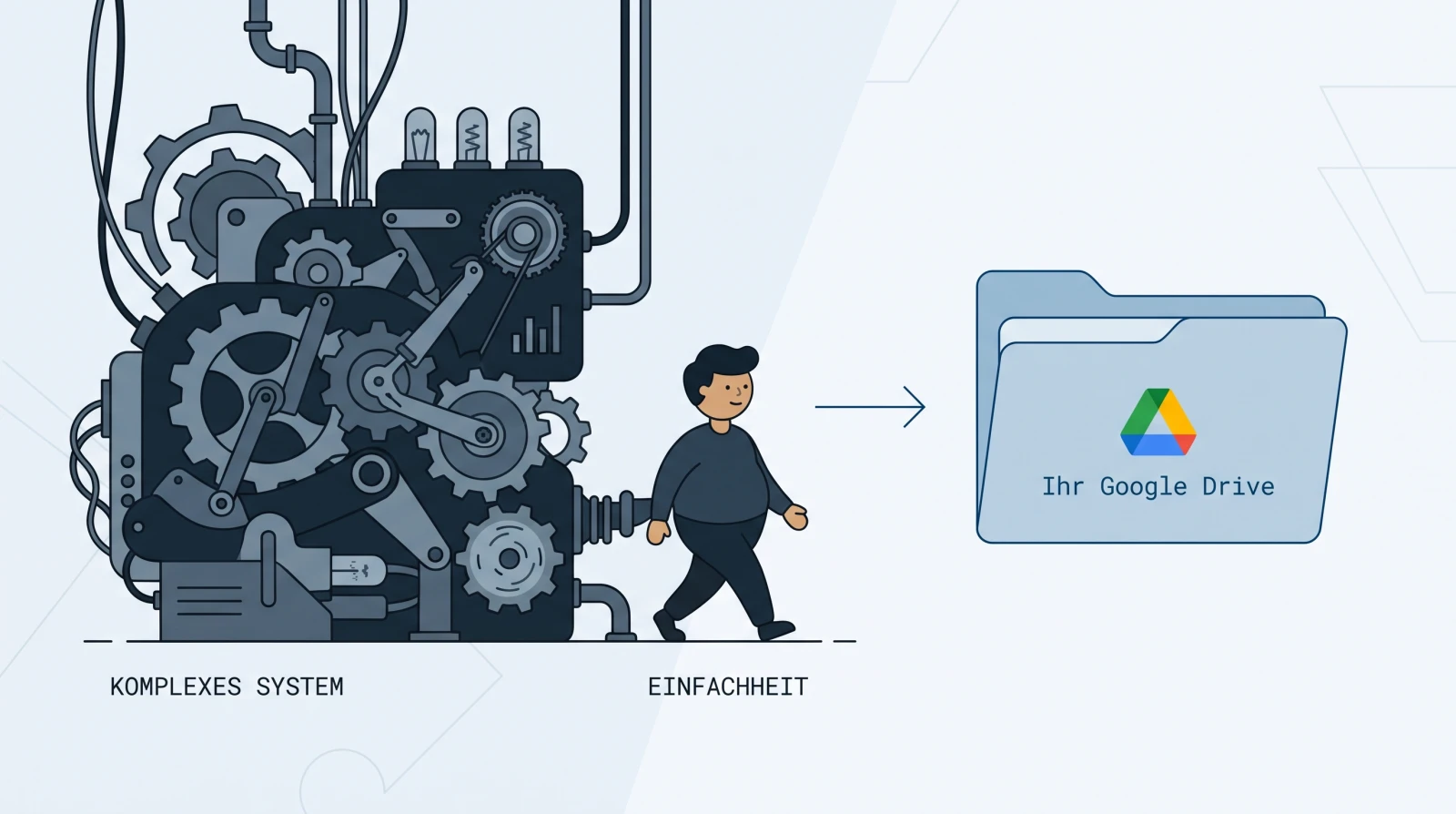
The short answer: most small Swiss SMEs do not need a classic document management system. A DMS is built for approval workflows, automated retention rules and very large document volumes — tasks a business with a handful of people rarely has. The four things a small company really needs from a filing system — finding receipts, organising them cleanly, controlling access and technically meeting the statutory retention requirements — are already covered by a well-structured Google Drive with Google’s built-in text recognition. A DMS of your own only pays off once you need approval workflows, regulatory retention automation, very high volumes or deep ERP integration. And if you run your bookkeeping in bexio, you even get this filing system with no setup at all: quintio.ch mirrors every receipt continuously into your own Google Drive.
Transparency first: quintio is our own product — not a DMS and not a replacement for one, but a mirror that copies your bexio documents into your own Google Drive. This article weighs the «structured Drive» approach against a classic DMS because we consider exactly that route the right one for most small SMEs — and we say openly below when a DMS is the better choice.

What is a DMS — and what does an SME really need from it?
A document management system (DMS) is software that captures documents centrally, versions them, protects them with access rights, routes them through approval processes and retains or deletes them according to fixed rules. Established providers include DocuWare, ELO, M-Files or the Swiss Kendox. These systems are built for medium-sized and large organisations — for departments that send invoices through multi-stage approvals, for industries with regulated retention and deletion obligations, for archives with tens of thousands of documents a month.
A small business uses a fraction of that in practice. It wants to find a receipt again, file it in the right place, control who sees it, and be sure the ten-year retention obligation is met. That is not a question of software category but of four concrete tasks — and those can be solved without a DMS project.
Which four tasks does a small SME really have?
1. Finding receipts again. The most frequent activity is not filing, it is searching. Full-text search beats any folder tree here: you type «Brack» or «847.30» and have the receipt, instead of clicking your way through directories. The prerequisite is text recognition that turns the scan into searchable text — Google Drive does that automatically on every upload. How text recognition works and how to set it up for individual files or for your entire receipt handling is here: Make a PDF searchable.
2. Organising cleanly. A filing system needs exactly one comprehensible order, so that even years later every receipt has exactly one place and a financial year is together at closing time. Receipt type → year → month has proven itself, rather than sorting by topic. The complete, copyable template is here: Folder structure for bookkeeping. A DMS does not take that order off your hands — you have to define the system yourself in every tool.
3. Controlling access. Who may see which documents? For a small team, sharing at folder level is entirely enough: the fiduciary gets the financial year, the assistant the current receipts, the rest stays private. Google Drive can do that out of the box. A DMS offers finer, process-related rights — but a ten-person business practically never needs them.
4. Technically meeting the statutory retention requirements. In Switzerland, a ten-year retention period applies to accounting records, and the GeBüV (the Swiss Ordinance on the Keeping and Preservation of Business Records) expressly permits purely digital retention. The technical side is covered by a Drive of your own: Google Drive meets the technical requirements for storing digital receipts in an audit-proof manner compliant with the CO, the GeBüV and tax law. Two things belong to the honesty of that statement: there is no state GeBüV certification, and audit-proof storage is not a product feature — it comes from the system plus orderly use. The process documentation (Art. 4 GeBüV) and the annual legibility check (Art. 10) remain your job; the obligation itself stays with the company (Art. 957a CO). A DMS changes nothing about that division of labour — there too, the process documentation stays with you.
Is Google Drive enough as a filing system for an SME?
For these four tasks: yes. What matters is the clean classification — Google Drive is not a DMS, and we do not pretend it is one: it has no built-in approval logic and no workflow engine. But it covers the filing, findability and versioning needs that most small SMEs actually have — and technically the conditions of the GeBüV too. For a business whose «document management» consists of receipts, contracts and correspondence, that is the more fitting size than a system built for entirely different requirements.
Honest about our own limits: a structured Drive has some.
- No approval workflows. If an invoice has to be approved before it is paid, you will not get that as a guided process in the Drive.
- No automatic retention or deletion rules. Nothing deletes a financial year by itself once the period expires, or locks it against changes — you organise that.
- Order is discipline, not compulsion. The Drive does not enforce a structure; anyone who files documents wildly will have a mess here too. That is why the template in task 2 is half the battle.
Exactly those limits are also the dividing line to the DMS.
| Approach | Best for | Typical costs | Limits |
|---|---|---|---|
| Structured Google Drive | Small SMEs that want to find, organise, share and legally store their receipts | Included in the usual Google Workspace subscription; no rollout costs | No guided approval workflows, no automatic retention/deletion rule; you keep the order disciplined yourself; access at folder level, not process level |
| Classic DMS (DocuWare, ELO, M-Files, Kendox) | Regulated processes, approval workflows, very large volumes, deep ERP integration | Per user and month plus a rollout project (configuration, interfaces, training) | Purchase and operation cost more; the rollout takes time; for a small business often more system than necessary |
When does a DMS really pay off?
There are clear cases in which a DMS is the right investment — and then it does pay off. As a rule of thumb: as soon as you answer one of the following three questions with yes, a DMS is worth a serious look.

- Guided approval workflows. If documents have to run through fixed approval chains — check the incoming invoice, approve it, post it, every step logged — that is the core task of a DMS.
- Regulated retention automation. Industries such as pharma, medicine or the financial sector require unalterable storage, retention and deletion rules at the push of a button, and complete audit trails. A DMS enforces such rules automatically.
- Very large volumes and deep integration. Anyone processing tens of thousands of documents a month, capturing them by bulk scan or wanting to manage documents directly out of an ERP or CRM system will hit the limits of a pure file store.
In all other cases — and that is the vast majority of small Swiss SMEs — a DMS buys you functions you will never use, and you pay for the rollout with time and money.
What does a DMS cost for a small company?
There is no standard price — it can hardly be stated seriously without a concrete quote. The cost structure, however, is similar everywhere and the more honest yardstick: cloud DMS are usually billed per user and month, and almost always on top of that comes a rollout project for configuration, interfaces and training, which often makes up the larger share of the initial costs (on-premise solutions shift that into licence and maintenance costs). For a small business, what matters is therefore less the monthly price than the question of whether the rollout effort is worth it for the functions actually used. The same question arises for the bexio subscription — which bexio plan really pays off.
By contrast, the storage for the structured Drive is included in the usual Google Workspace subscription, the text recognition costs nothing extra and a rollout project is not needed — the whole effort is setting up a clean folder structure once.
For bexio users: the filing system that creates itself
The most stable filing system is the one you do not have to maintain. Anyone running their bookkeeping in bexio does not have to build anything for a structured Drive: quintio connects to your bexio account and mirrors all documents — inbox and invoices, retroactively and continuously — into your own Google Drive, organised by financial year and, thanks to Google OCR, searchable in full text. Your leading system stays bexio; the Drive is the searchable filing system alongside it, which also stays with you after a change of provider.
That matches what bexio itself recommends: «We generally recommend keeping the receipts additionally outside of bexio» (help article 000001647). Instead of rolling out a DMS for that, the orderly second copy comes into being by itself — the whole path from scan to secured filing is in the guide Digitising receipts in Switzerland.
Frequently asked questions (FAQ)
Does an SME need a document management system? Most small SMEs do not. A DMS is built for approval workflows, regulated retention automation, very large volumes and deep ERP integration. The four tasks a small business really has — finding, organising, controlling access, storing in a legally compliant way — are covered by a structured Google Drive.
Is Google Drive a DMS? No. Google Drive is a file store, not a document management system with built-in workflows. But it does cover the filing, findability and versioning needs that most small SMEs actually have — and technically the conditions of the GeBüV too.
Is Google Drive enough as a filing system for an SME? For the receipts, contracts and correspondence of a small business: yes — provided the filing has a clear structure and the files are searchable. It has limits with guided approval processes and automated deletion rules; but a small business rarely needs those.
What does a DMS cost for a small company? There is no fixed price. Usual is billing per user and month plus a rollout project for configuration, interfaces and training, which often makes up the larger share of the initial costs. A structured Drive, by contrast, is included in the Workspace subscription and needs no rollout.
When does a DMS really pay off? As soon as you need guided approval workflows, regulatory retention automation, very large document volumes or deep integration into an ERP/CRM system. In those cases a DMS is the right investment; in all others you pay for functions you do not use.
Does a Google Drive meet the retention obligation? Google Drive meets the technical requirements for storing digital receipts in an audit-proof manner compliant with the CO, the GeBüV and tax law; the orderly filing and the annual legibility check remain your job. There is no state GeBüV certification. Details: GeBüV explained simply.
quintio.ch mirrors all documents from bexio continuously into your own Google Drive — searchable thanks to Google OCR, organised by financial year, as your own filing system. No DMS project, no rollout. Try it for free → Sign up, connect bexio — the first documents sync free of charge. No credit card needed.
Sources
- GeBüV — Ordinance on the Keeping and Preservation of Business Records (SR 221.431, Fedlex) — Art. 4 (documentation), Art. 9 (permitted data media), Art. 10 (verification/legibility)
- Art. 957a / 958f CO (SR 220, Fedlex) — accounting obligation and ten-year retention from the end of the financial year
- Google Drive: automatic indexing and full-text search — OCR indexing of uploaded documents
- bexio help article 000001647 — recommendation to keep receipts additionally outside of bexio (as of August 2026)
Independence note: quintio.ch is the authors’ product. We list the DMS providers mentioned (DocuWare, ELO, M-Files, Kendox) neutrally as category examples; there are no affiliate relationships.
quintio automatically mirrors your bexio documents into your own Google Drive.
Sign up free