Tax Audit: Providing Every Receipt in Order (bexio Field Guide)
What a tax or VAT audit demands — and how you produce every receipt in time. The practical workflow for bexio users and fiduciaries.
By Roman Brüngger — Fiduciary with a Swiss federal diploma · Founder rombro ag
As of: August 2026 · This article is not legal advice.
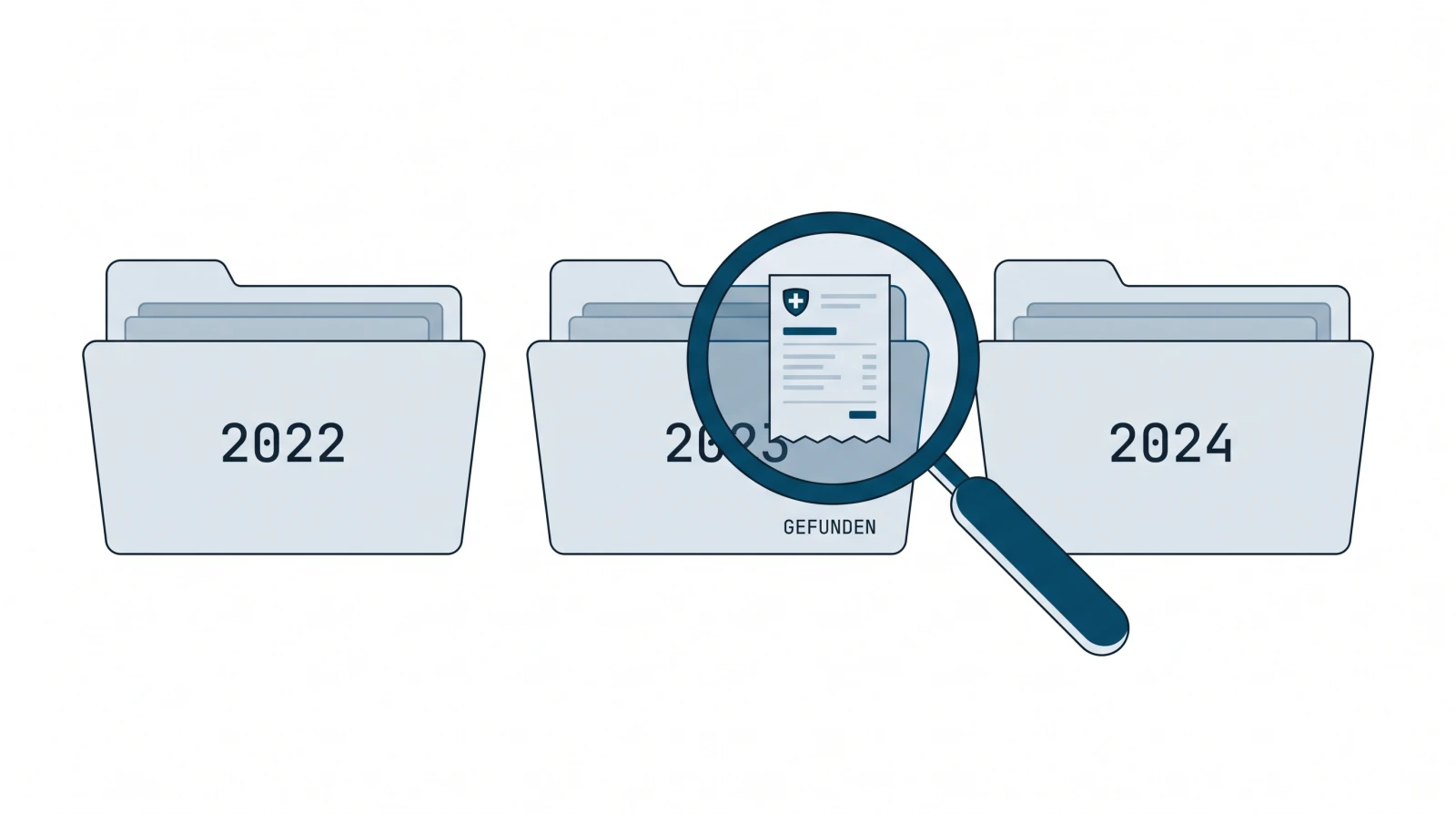
What does a tax audit want to see — and how do you provide it? A tax or VAT inspection essentially demands three things: the books of account (general ledger and journals), the accounting vouchers for the positions under review and — at the latest with digital filing — the process documentation that goes with them (Art. 4 GeBüV — the Ordinance on the Keeping and Preservation of Business Records). What matters is not that you own everything, but that you produce every requested receipt in time (Art. 6 GeBüV). The fastest route there is a second copy of your bexio receipts, ordered by year and searchable via text recognition: type a search term instead of digging through folders — even a receipt from three years ago is there in seconds.
This field guide answers the four questions every audit hinges on: what the auditor demands, how you provide it, how you find a single receipt in seconds — and what happens if something is missing. Who has to keep what for how long we have broken down separately; this article is about the inspection itself.
Which documents does a tax audit want to see?

An auditor does not check «everything» but samples — and for every sample, the voucher. What you have to have ready:
- Books of account — general ledger and journals, meaning the actual bookkeeping.
- Accounting vouchers — every record that supports an entry: creditor and debtor invoices, receipts, bank and credit-card statements, payroll and expense records. The rule of thumb from practice: if a document explains why a figure sits in the books, it is an accounting voucher.
- Annual and audit report — the annual accounts including the notes, and for companies subject to an audit requirement, the audit report (signed).
- Process documentation — with digital filing, the one page describing who captures records, where they are stored, how they are backed up and how they are checked annually (Art. 4 GeBüV — template in the GeBüV guide). Hardly any guide mentions it — yet in an inspection, missing process documentation is one of the most common formal defects.
All of this you may produce digitally; only the annual and audit report need a signature (the full list by document type).
How do I provide all receipts for a tax audit?
The benchmark is in the GeBüV: records must be capable of being inspected and examined at any time within a reasonable period (Art. 6 GeBüV). And the retention period is 10 years from the end of the financial year (Art. 958f CO) — an invoice from 2023 must therefore still be there in an inspection in 2026, and findable at that, not merely «somewhere».
In bexio your receipts sit in the inbox or — from the Optima plan up — in the document archive. For an inspection that is often enough organisationally; two gaps remain, though:
- Finding. The inbox searches practically only over file names — scans are rarely named after their content. Full-text search across the receipt content only exists from Optima up.
- Second copy and exit. The 10-year obligation does not end with the software subscription. There is no self-service full export at bexio, and bexio itself recommends «keeping the receipts additionally outside of bexio» (help article 000001647).
Both gaps are closed by a continuous second copy in your own Google Drive, ordered by year. Google Drive meets the technical requirements for filing digital receipts in an audit-proof manner, compliant with the CO, the GeBüV and tax law. Two honest qualifications belong with that: audit-proof storage is not a product feature — it arises from the system plus orderly use; the process documentation (Art. 4 GeBüV) and the annual legibility check (Art. 10) remain your job. And a state GeBüV certification does not exist. The leading system in which the bookkeeping is kept remains bexio; the mirror is the searchable second copy that makes producing records fast — how digital filing relates to the GeBüV, the CO and tax law is in the GeBüV guide.
How do I quickly find a receipt for a tax audit?

The moment every audit appointment knows: the auditor names a position, you need the receipt — now. In a paper folder or in the inbox that means: guess the right year, scroll through, interpret file names. In a searchable filing system it means: type a search term.
Google Drive indexes the content of uploaded documents automatically — officially documented for text documents, PDFs and images containing text (developers.google.com). Because the mirror sits in your own Drive as a PDF with text recognition, you find a receipt via supplier, amount or item description — not via the file name. A receipt from three years ago is thus a search query, not an excavation.
For fiduciaries the second point is decisive: access runs through a shared Drive folder, not through a bexio login. You share the year folder concerned, the auditor sees exactly that section — and anyone looking after several clients searches all client folders with a single search instead of logging in per client.
| bexio inbox | Drive mirror (your second copy) | |
|---|---|---|
| Search in the receipt content | only from Optima up (document archive) | via Google OCR in every folder |
| Receipt from three years ago | guess the year, scroll through | search term → hit |
| Access for the auditor | bexio login required | folder share, no login |
| Available after a cancellation | deletion one month after the contract ends (T&C 5.7) | stays in your own Drive |
What happens if receipts are missing in an audit?
If receipts are missing or the records are unreliable, it gets expensive — on several levels:
- Discretionary assessment. If the authority cannot determine the tax from your records, it estimates it at its dutiful discretion (Art. 79 VAT Act; Art. 130 para. 2 DBG). Such an estimate rarely turns out in your favour — and you can challenge it only on grounds of manifest inaccuracy, with the burden of proof on you (Art. 132 para. 3 DBG).
- Input VAT deduction at risk. Without a voucher there is no proof — the input VAT deduction can be refused. In a VAT inspection the missing receipt is often the most expensive one.
- Formal defects. If the process documentation is missing (Art. 4 GeBüV) or a receipt is no longer legible (the faded thermal-paper slip), that counts as a defect — even if the figure in the books is correct.
The difference between «annoying» and «expensive» on inspection day is often just this: do you find the receipt? That is why the searchable second copy pays off not only at the inspection but long before — the periods run for ten years per financial year.
Checklist: audit-ready with bexio
- Capture all receipts digitally in bexio — paper may usually be disposed of afterwards.
- File a one-page process documentation (Art. 4 GeBüV — template in the GeBüV guide).
- Mirror a continuous second copy into your own Google Drive, ordered by year and month.
- Test once a year: can you find any receipt from three years ago in under a minute — and is it still legible (Art. 10 GeBüV)?
- Before the audit appointment, share the year folder concerned with the fiduciary or auditor — without handing over your bexio login.
Frequently asked questions (FAQ)
What does a tax audit want to see? Books of account (general ledger, journals), the accounting vouchers for the positions under review, the annual and audit report and — with digital filing — the process documentation under Art. 4 GeBüV.
How do I provide all receipts for a tax audit? Keep the receipts so that you can produce every requested one in time (Art. 6 GeBüV). In practice: everything in bexio plus a searchable second copy in your own Drive, ordered by year, from which you pull individual receipts in seconds.
How do I quickly find a receipt for a tax audit? In an OCR-searchable filing system, via a search term — supplier, amount or item. Google Drive indexes the content of PDFs and scans automatically, so you are not dependent on the file name.
What happens if receipts are missing in an audit? The authority may estimate the tax at its dutiful discretion (Art. 79 VAT Act, Art. 130 para. 2 DBG); you can challenge that only on grounds of manifest inaccuracy (Art. 132 para. 3 DBG). On top of that, the input VAT deduction can fall away without a voucher.
How long must I keep receipts for a possible audit? 10 years from the end of the financial year (Art. 958f CO); VAT-relevant documents until the tax claim becomes time-barred, real-estate documents 20 years (Art. 70 para. 3 VAT Act). Details by document type: retention obligation in Switzerland.
Do I have to give the tax audit access to bexio? No. You produce the requested receipts — as a printout, PDF or via a shared Drive folder. A Drive folder shows the auditor exactly the section needed, without you handing over your bexio login.
Does the Drive mirror replace retention in bexio? No. The leading system for the bookkeeping remains bexio; the mirror is the searchable second copy in your own Drive. The retention obligation itself (Art. 957a CO) stays with you.
quintio.ch mirrors all documents from bexio continuously into your own Google Drive — ordered by year and month, searchable via OCR. That way a second copy is ready for every inspection, in which you find every receipt in seconds.
Sources
- Art. 957a / 958f CO (SR 220, Fedlex) — bookkeeping and retention, 10 years
- GeBüV (SR 221.431, Fedlex) — Art. 4 (process documentation), Art. 6 (availability), Art. 10 (verification)
- Art. 79 VAT Act (SR 641.20) · Art. 130 / 132 DBG (SR 642.11) — discretionary assessment, challengeable only on grounds of manifest inaccuracy
- FTA: VAT Info 16 — bookkeeping and invoicing / VAT inspection
- Google Drive API: automatic full-text indexing
- bexio help article 000001647 — retention outside of bexio
quintio automatically mirrors your bexio documents into your own Google Drive.
Sign up free